Aftershoot
AI Culling and Editing Software for Professional Photographers
Free
5.0
Categories: Photography
What is Aftershoot?
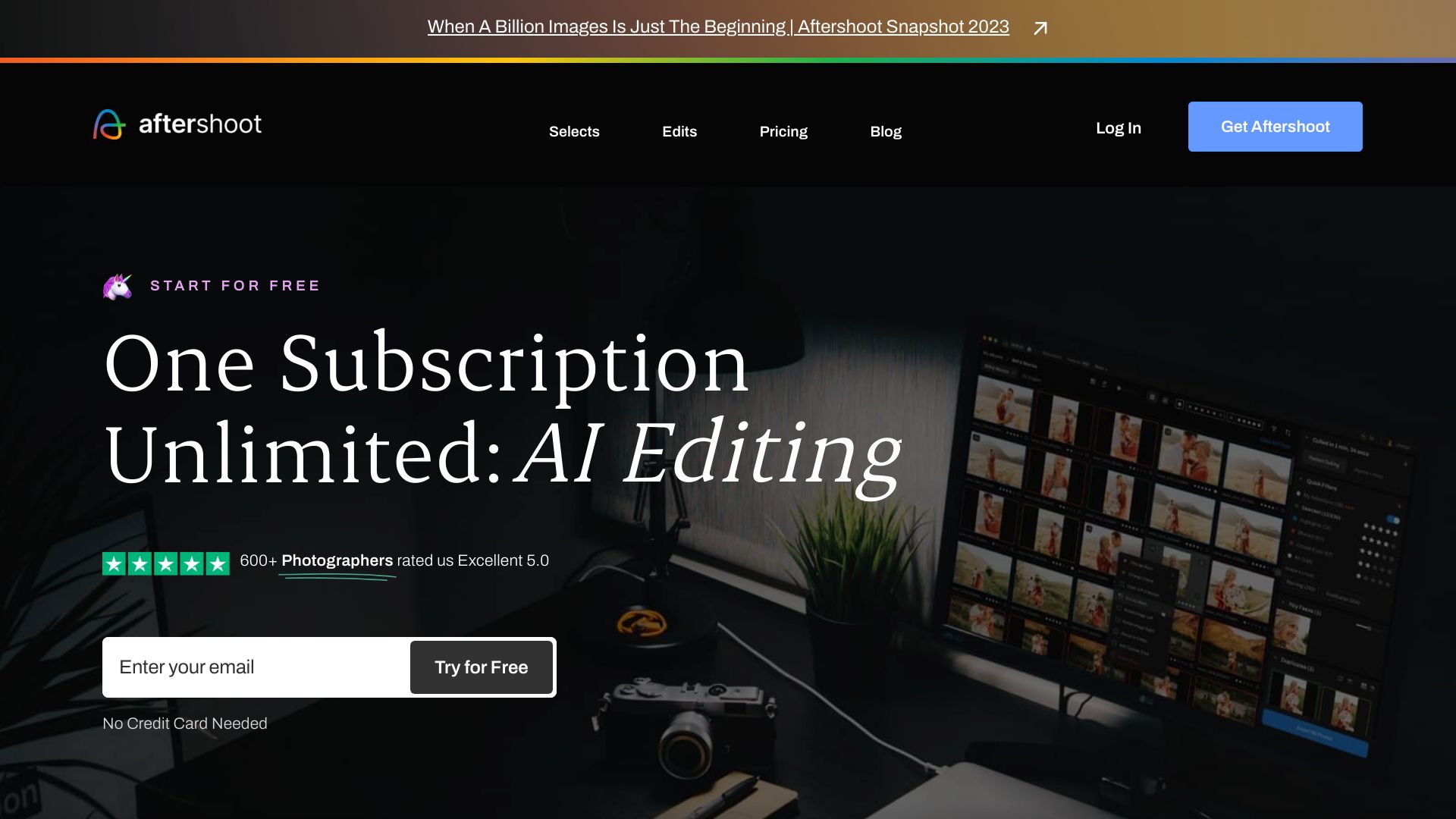
Aftershoot is the #1 AI Culling and Editing Software for Professional Photographers. It accelerates your culling and editing workflows using AI that constantly learns from your preferences. You can cull and edit unlimited photos for a flat fee.
About
AI Culling and Editing Software for Professional Photographers
How to Use Aftershoot
To use Aftershoot, you need to download the application to your computer and use it locally. It is compatible with any Windows or MacOS operated computer or laptop. After downloading and installing the app, you can import your photography files and start culling and editing with the help of AI.
Frequently Asked Questions
Why Aftershoot?
Aftershoot allows photographers to spend their time on the important things in life by providing AI-assisted Editing & Culling. It helps save time and allows photographers to focus on their craft, family, and creative vision.
What does Aftershoot Culling do?
Aftershoot's AI-powered algorithms do the initial culling of your images by grouping similar ones together and highlighting the keepers. The AI learns from your actions and becomes more precise with each cull it performs.
What does Aftershoot Edits do?
Aftershoot Edits offers two options. You can train your own Personal AI Editing Profile that learns from your edited photos and applies your style to new photos. Alternatively, you can download pre-built AI Styles from the Marketplace. Both options dynamically adapt their editing to each image.
How does Aftershoot work and how to get started?
Aftershoot is an application that you download to your computer. It is compatible with Windows and MacOS. You can start by importing your photography files and using the AI-powered features for culling and editing.
What image formats does Aftershoot process?
Aftershoot supports all leading RAW formats and JPEG.
How does the AI work and get trained?
The AI learns by observing the decisions and actions you make during the culling and editing process. It recognizes patterns in your preferences and adjusts its decisions accordingly.
What makes Aftershoot different from other AI culling and editing software?
Aftershoot stands out for multiple reasons. It offers a flat fee pricing regardless of the number of images. It works offline, allowing you to cull and edit photos on the go. The support team is available 24/7. Aftershoot values user feedback and strives to build the best product.
Quick Info
- Company
- Aftershoot Pvt Ltd
- Pricing
- free
- Platforms
- website
Best For
- Speed up your culling process
- Save time on editing
- Train an AI Editing Profile that mirrors your style
- Experiment with different editing styles
- Export your edited photos in various formats
Tags
#AI culling#AI editing#photography#workflow automation#image processing