Archsense
Archsense is a tool for visualizing software architecture from source code, aiding understanding and collaboration.
Free
5.0
What is Archsense?
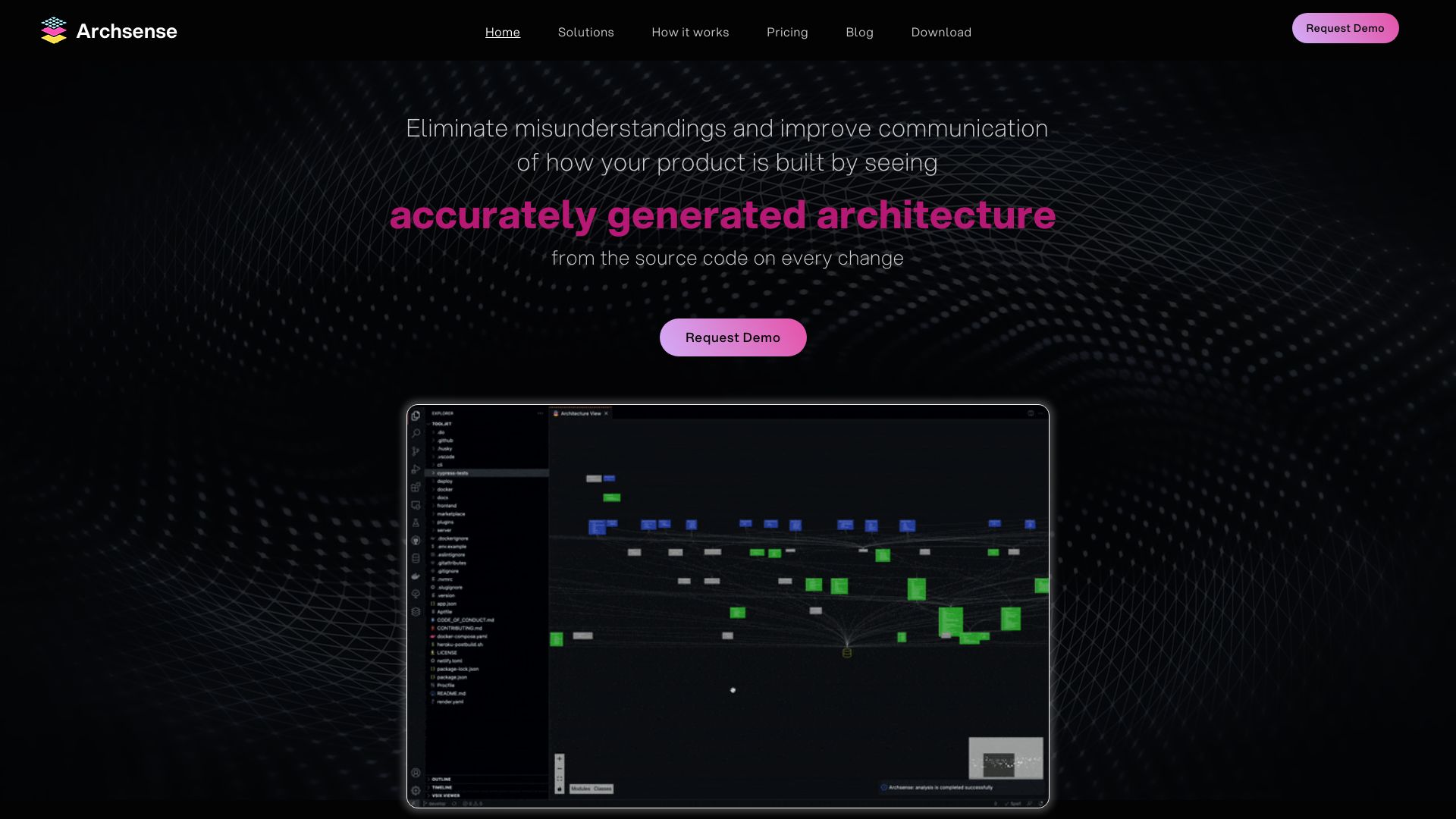
Archsense is a software architecture visualization tool that provides accurate and up-to-date architecture representations directly from the source code. It helps developers, team leaders, and architecture professionals gain a comprehensive understanding of the system and facilitates collaboration and alignment among stakeholders.
About
Archsense is a tool for visualizing software architecture from source code, aiding understanding and collaboration.
How to Use Archsense
To use Archsense, you need to integrate it with your Continuous Integration (CI) system. Archsense analyzes the codebase across different languages and builds visualization with layers for product architecture. You can then collaborate by creating new building blocks of future features in the context of existing architecture, connecting them to already existing services, and requesting review and feedback. Archsense also tracks the progress by analyzing new code versions, comparing them with proposed changes, and notifying if significant deviations are spotted.
Frequently Asked Questions
What is Archsense?
Archsense is a software architecture visualization tool that provides accurate and up-to-date architecture representations directly from the source code, helping developers, team leaders, and architecture professionals gain a comprehensive understanding of the system.
How do I use Archsense?
To use Archsense, integrate it with your Continuous Integration (CI) system, analyze the codebase, and build visualization. Collaborate by creating new building blocks, connecting them to existing services, and requesting review. Track progress by analyzing new code versions and comparing them with proposed changes.
What are the core features of Archsense?
The core features of Archsense include accurate architecture representation generated directly from source code, identification of code dependencies, easy proposal and review of new changes, and instant feedback on implementation progress with deviation notifications.
What are the use cases of Archsense?
Archsense is useful for improving communication, resolving issues caused by unexpected code dependencies, facilitating collaboration and alignment among stakeholders, and ensuring implementation aligns with agreed architecture decisions.
Quick Info
- Company
- Archsense, Inc.
- Pricing
- free
- Platforms
- website
Best For
- Archsense is useful in the following scenarios: 1. Improving communication and eliminating misunderstandings by providing accurate architecture visualizations. 2. Resolving issues caused by unexpected code dependencies affecting other parts of the system. 3. Facilitating collaboration and alignment among stakeholders in software development projects. 4. Ensuring implementation aligns with agreed architecture decisions and identifying deviations early on.
Social Links
Tags
#software architecture#visualization tool#source code#accurate representation#code dependencies#collaboration#alignment