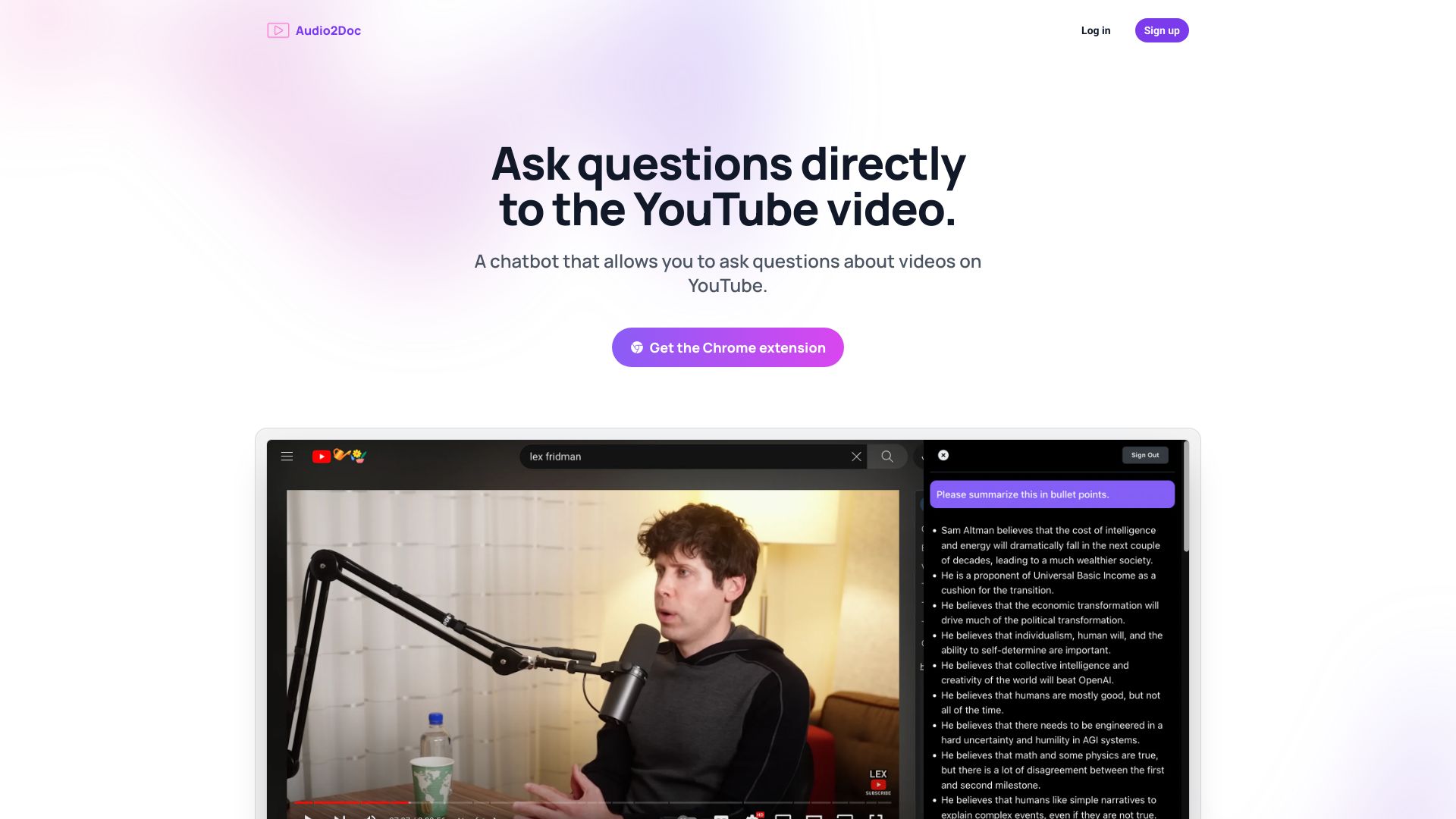
Audio2Doc - A chatbot on YouTube
Ask questions directly to the chatbot while watching videos.
Free
5.0
What is Audio2Doc - A chatbot on YouTube?
Audio2Doc is a chrome extension that allows users to ask questions to a chatbot while watching videos on YouTube.
About
Ask questions directly to the chatbot while watching videos.
How to Use Audio2Doc - A chatbot on YouTube
Install the Audio2Doc chrome extension. While watching a YouTube video, click on the chatbot icon and ask your question. The chatbot will provide instant answers without leaving YouTube.
Frequently Asked Questions
How can I install the Audio2Doc chrome extension?
To install the Audio2Doc chrome extension, go to the Chrome Web Store and search for Audio2Doc. Click on the 'Add to Chrome' button to install it.
Can I ask any type of question to the chatbot?
Yes, you can ask any question related to the video you are watching on YouTube, and the chatbot will provide answers based on its knowledge base.
Will the chatbot interrupt my video watching experience?
No, the chatbot is designed to provide instant answers without interrupting your video watching experience on YouTube. It appears as a convenient icon that can be clicked to access the chatbot.
Quick Info
- Pricing
- free
- Platforms
- website
Best For
- Getting additional information about videos on YouTube
Tags
#YouTube#chatbot#chrome extension#video#question and answer