Chatwith
Boost customer service and cut support workload with Chatwith's custom AI chatbot.
Free
5.0
What is Chatwith?
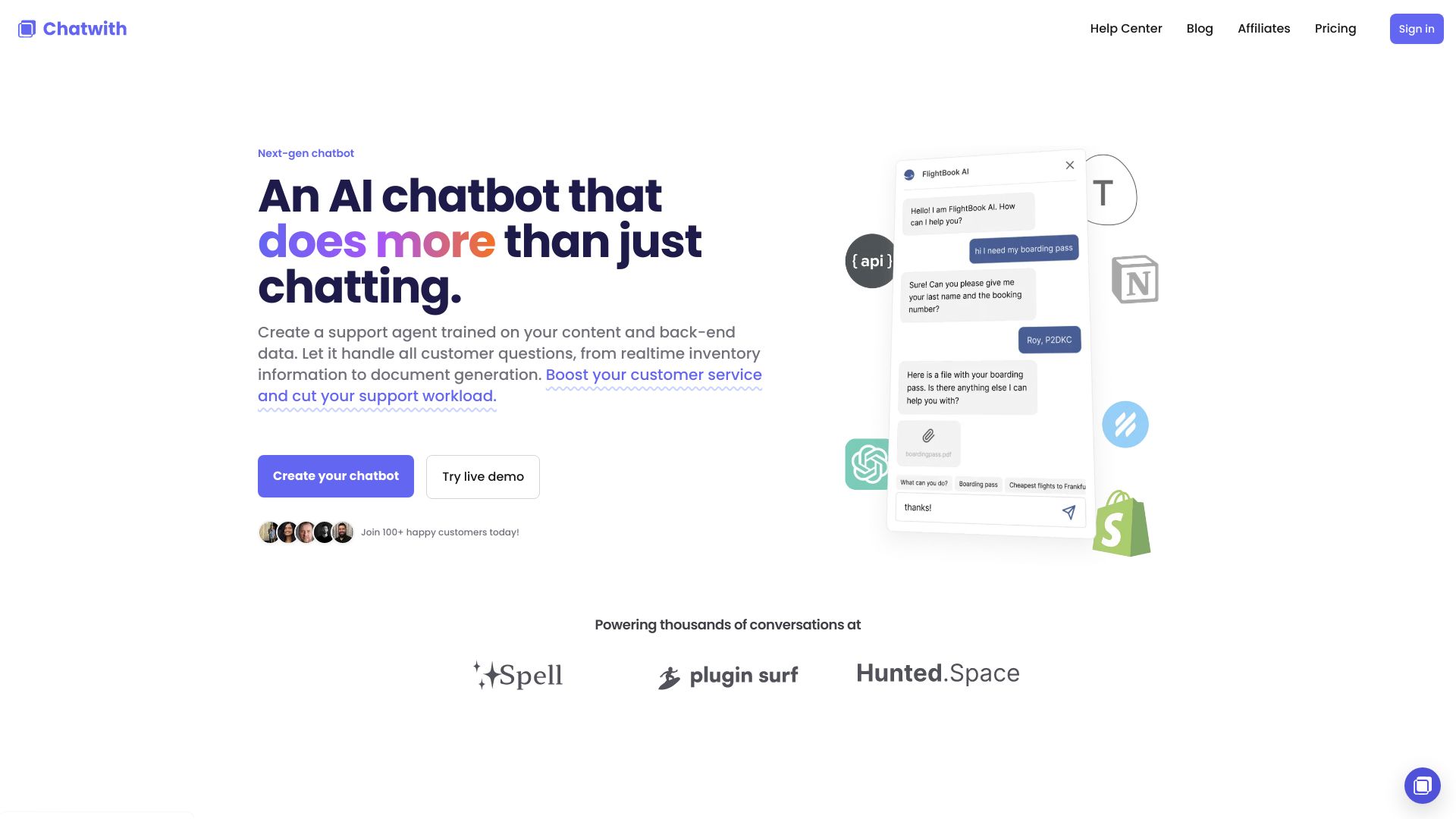
Chatwith is a custom AI chatbot that allows you to boost your customer service and cut your support workload using AI. It can be trained on your content and back-end data, enabling it to handle customer questions and provide real-time information.
About
Boost customer service and cut support workload with Chatwith's custom AI chatbot.
How to Use Chatwith
Using Chatwith is simple. First, train the chatbot using your website's content, knowledge base, and other resources. You can also connect it to your services using OpenAPI to provide the latest information and perform actions. Add the chatbot to your website with a single line of code or share it with a link. Your chatbot can answer customer questions, check inventory, generate documents, and more.
Frequently Asked Questions
What is Chatwith?
Chatwith is a custom AI chatbot that helps boost customer service and reduce support workload using AI.
How do I use Chatwith?
To use Chatwith, train the chatbot on your website's content and connect it to your services using OpenAPI. Add it to your website with a single line of code or share it with a link.
What are the core features of Chatwith?
The core features of Chatwith include customization, universal access, insights, and easy installation.
What are some use cases for Chatwith?
Chatwith can be used for order status inquiries, Q&A support, chatbot plugins, conversational search, surveys, and learning assistance.
Quick Info
- Pricing
- free
- Platforms
- website
Best For
- Connect the chatbot to the Shopify API to allow customers to inquire about their order status.
- Train the chatbot on HelpScout docs and enable a live chat widget to help customers find answers.
- Add a ChatGPT plugin to your website to enable visitors to interact with the chatbot outside of ChatGPT.
- Connect the chatbot to your directory database and let visitors find content through a chatbot conversation.
- Ask questions, collect answers from visitors, and submit them to Typeform.
- Train the chatbot on Notion docs and share the chatbot link to help students find answers.
Tags
#AI chatbot#customer service#support workload#realtime inventory information#document generation#boost sales#improve customer satisfaction#cut support workload#train on website content#connect to API#customize chatbot#universal access#insights#easy installation