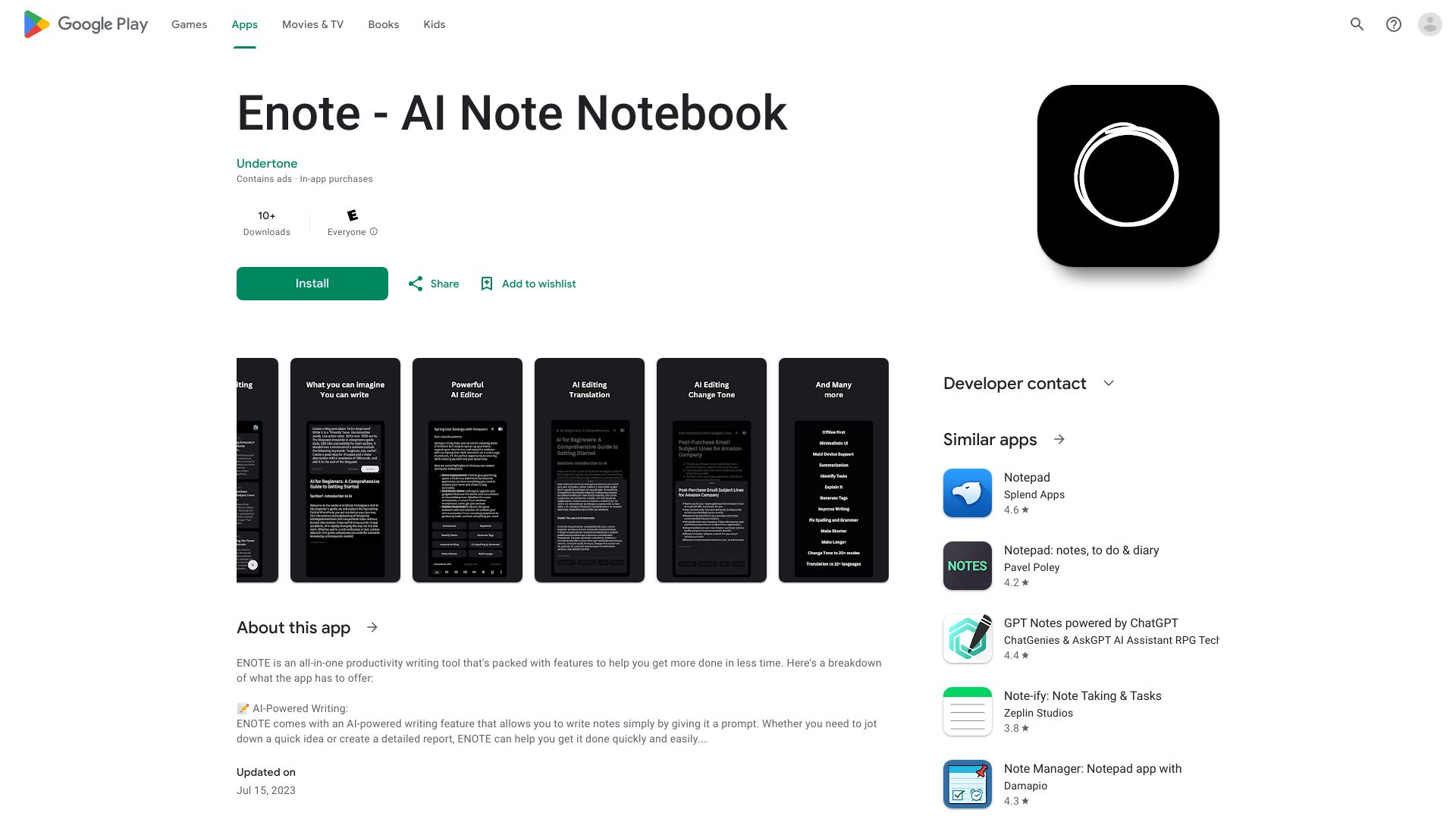
Enote - AI Note Notebook
AI-based note-taking app with custom prompts and powerful editing options.
Free
5.0
What is Enote - AI Note Notebook?
Enote is an AI-based note-taking app that allows you to quickly write notes using custom prompts and further edit them with various options like summarization, translation, grammar correction, spell checking, and more. It also works offline.
About
AI-based note-taking app with custom prompts and powerful editing options.
How to Use Enote - AI Note Notebook
To use Enote, simply navigate to the website or download the app. Create a new note and start writing using the provided custom prompts. After writing, you can utilize the AI-powered editing options to improve your notes. Save your notes and access them anytime, even offline.
Frequently Asked Questions
Can I access my notes without an internet connection?
Yes, Enote works offline, allowing you to access and edit your notes even when you don't have an internet connection.
What editing options does Enote provide?
Enote offers various AI-powered editing options such as summarization, translation, grammar correction, and spell checking to enhance your notes.
How can I start writing notes in Enote?
Simply create a new note in Enote and begin writing using the provided custom prompts to quickly jot down your thoughts.
Can Enote help me fix spelling mistakes in my notes?
Yes, Enote's AI editing options include spell checking, which helps you identify and fix spelling mistakes in your notes.
Quick Info
- Pricing
- free
- Platforms
- app
Best For
- Taking quick notes
- Editing and enhancing notes using AI
- Improving grammar and spelling in notes
- Translating notes to different languages
- Summarizing lengthy notes
- Working offline without an internet connection
Tags
#note-taking#AI#custom prompts#editing#grammar correction#spell checking#translation#offline#summarization