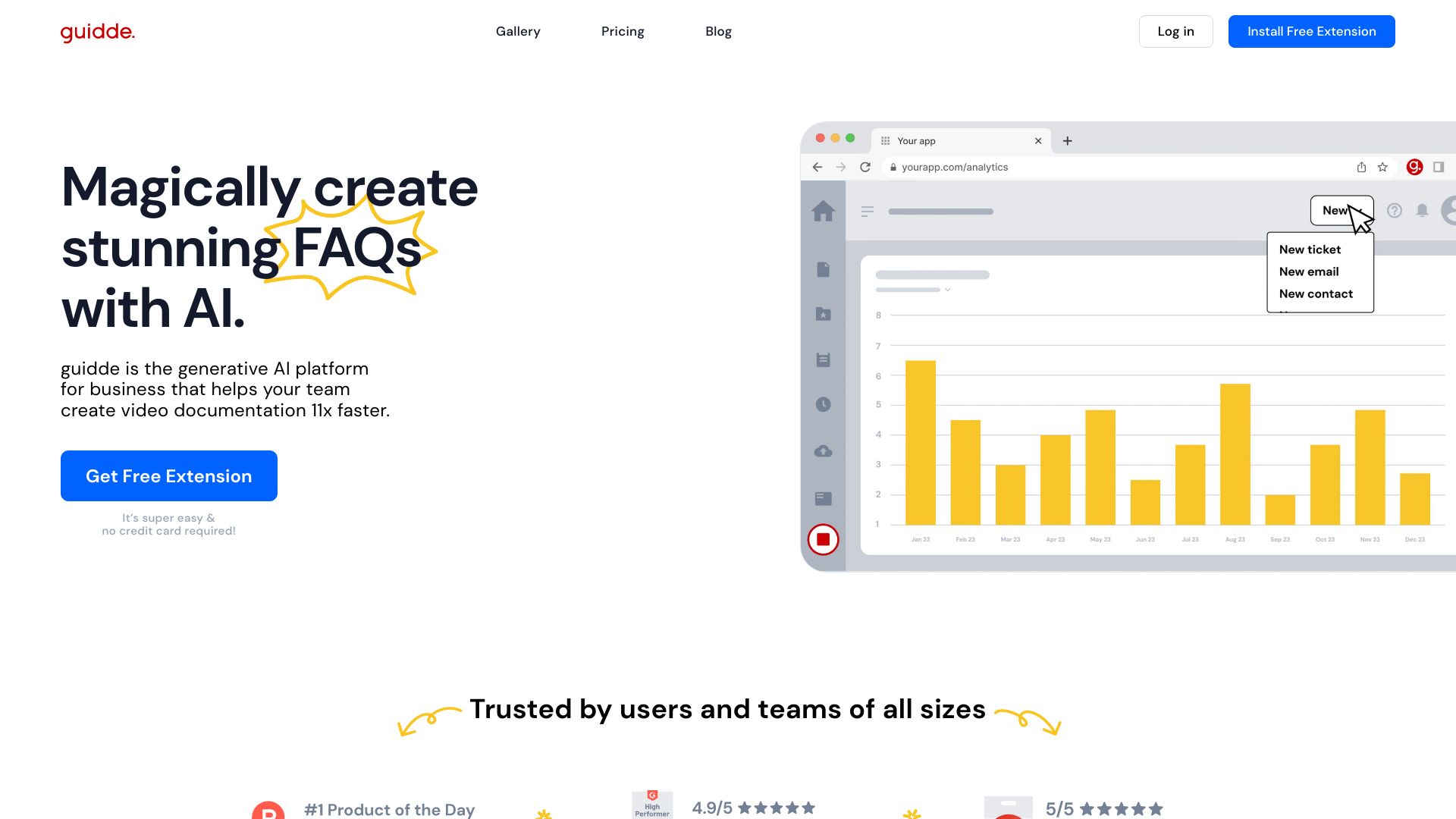
Guidde AI
Guidde is an AI platform that creates fast, easy video documentation for businesses.
Free
5.0
What is Guidde AI?
Guidde is a generative AI platform for business that allows users to easily create video documentation for various use cases such as customer support, training, onboarding, and more. It uses AI technology to capture step-by-step videos and documents, making it 11x faster than traditional methods.
About
Guidde is an AI platform that creates fast, easy video documentation for businesses.
How to Use Guidde AI
To use Guidde, follow these steps: 1. Install the Guidde browser extension for easy capturing. 2. Click on the extension icon and select 'Capture' to start recording your workflow. 3. Click 'Stop' when you're done recording. 4. Guidde will automatically generate a step-by-step description of your workflow. 5. Customize your video by choosing from over 100 different voices and languages for AI-generated voiceover. 6. Design your video with stunning visuals using Guidde's editor. 7. Share your Guidde anywhere by using a link or embedding it in your organization. With Guidde, you can create professional video documentation quickly and easily, without the need for extensive technical knowledge.
Frequently Asked Questions
What is Guidde?
Guidde is a generative AI platform for business that helps users create video documentation 11x faster. It allows you to capture step-by-step videos and documents for various use cases.
How does Guidde work?
Guidde works by using AI technology to capture and generate video documentation. You can capture your workflow using the browser extension, and Guidde will automatically create a step-by-step description of it. You can customize the voiceover and design of the video using Guidde's editor.
What are the core features of Guidde?
The core features of Guidde include AI-generated video documentation, step-by-step descriptions, AI-generated voiceover with customizable voices and languages, an easy-to-use editor for visual design, and smart sharing options for sharing videos anywhere.
What are the use cases for Guidde?
Guidde can be used for customer support, customer success, product teams, training agencies, pre-sales, onboarding, and FAQs. It enables users to create personalized video responses, onboard customers quickly, explain complex flows and features, create training material and SOPs, demonstrate product capabilities, and create visually appealing onboarding documents and FAQs.
Does Guidde have a free version?
Yes, Guidde offers a free extension that can be installed for capturing and creating video documentation. No credit card is required to sign up.
Quick Info
- Company
- guidde Inc.
- Pricing
- free
- Platforms
- website
Best For
- Customer support: Create personalized video responses to customer questions and publish tutorial video libraries.
- Customer success: Onboard customers quickly with video documentation and provide continuous updates on new functionality.
- Product teams: Explain complex flows and features using AI-generated videos.
- Training agencies: Create stunning training material and SOPs with AI.
- Pre-sales: Demonstrate product features and capabilities with step-by-step videos.
- Onboarding: Create visually appealing onboarding documents and videos to help new employees.
- FAQs: Generate visually engaging FAQs using AI-generated video documentation.
Tags
#AI platform#video documentation#customer support#training#onboarding#step-by-step videos#AI voiceover#video sharing#visual design