Qwerki
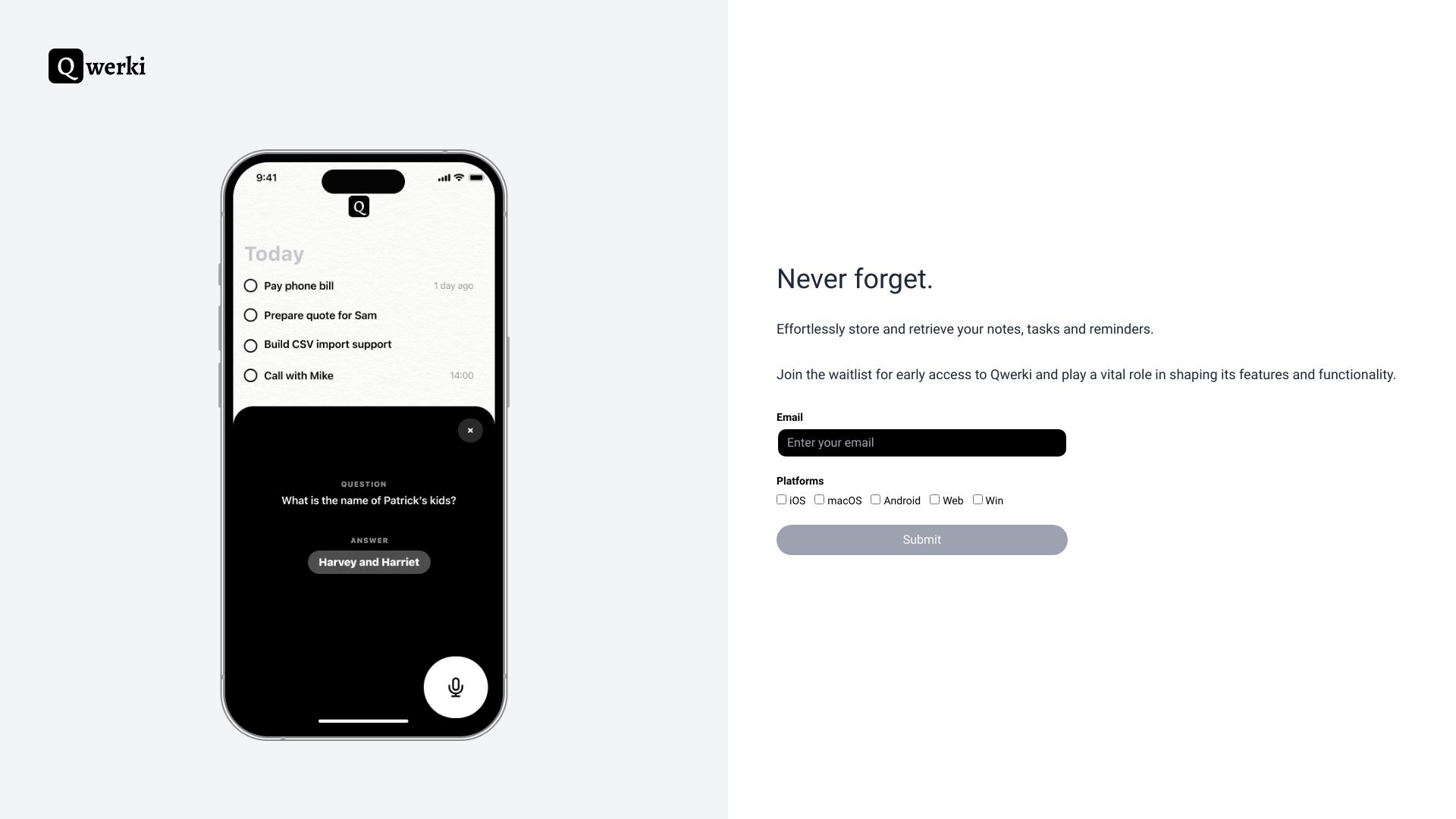
Qwerki is a web app that boosts productivity by managing tasks and organizing information.
Free
5.0
What is Qwerki?
Qwerki is a web application created using create-react-app that helps you never forget anything. It is designed to be a powerful tool for improving productivity by enabling users to manage their tasks, stay organized, and remember important information.
About
Qwerki is a web app that boosts productivity by managing tasks and organizing information.
How to Use Qwerki
To use Qwerki, simply sign up for an account on the website. Once you are logged in, you can start creating tasks, setting reminders, and organizing your to-do lists. Qwerki’s intuitive interface makes it easy to add and prioritize tasks, set due dates, and create subtasks. You can also customize notifications and reminders to keep you on track.
Frequently Asked Questions
Can I access Qwerki from any device?
Yes, Qwerki is a web application accessible from any device with an internet connection. Simply log in to your account and you can access your tasks and information from anywhere.
Does Qwerki offer a mobile app?
Currently, Qwerki is only available as a web application. However, the web app is mobile-responsive, allowing you to use it on your smartphone or tablet's browser comfortably.
Can I share tasks with others?
Yes, Qwerki allows you to share tasks and collaborate with others. You can assign tasks to specific individuals, track progress, and communicate directly within the app.
Can I set up recurring tasks?
Currently, Qwerki does not support recurring tasks. However, you can easily duplicate tasks with due dates to create recurring task reminders.
Can I attach files or notes to tasks?
Yes, Qwerki allows you to attach files, images, and notes to tasks for additional context and information. This feature is available in the Pro and Business plans.
Quick Info
- Pricing
- free
- Platforms
- website
Best For
- Qwerki can be used in various scenarios to improve productivity and organization: - Personal task management: Keep track of personal to-do lists, daily routines, and goals. - Work and project management: Collaborate with colleagues, manage project deadlines, and track progress. - Study and exam preparation: Create study schedules, set reminders for exams or assignments, and manage study materials. - Event planning: Organize and coordinate tasks for events, parties, or gatherings. Set reminders for important dates. - Shopping lists and meal planning: Create shopping lists and plan meals by managing ingredients and recipes.
Tags
#productivity#task management#organization