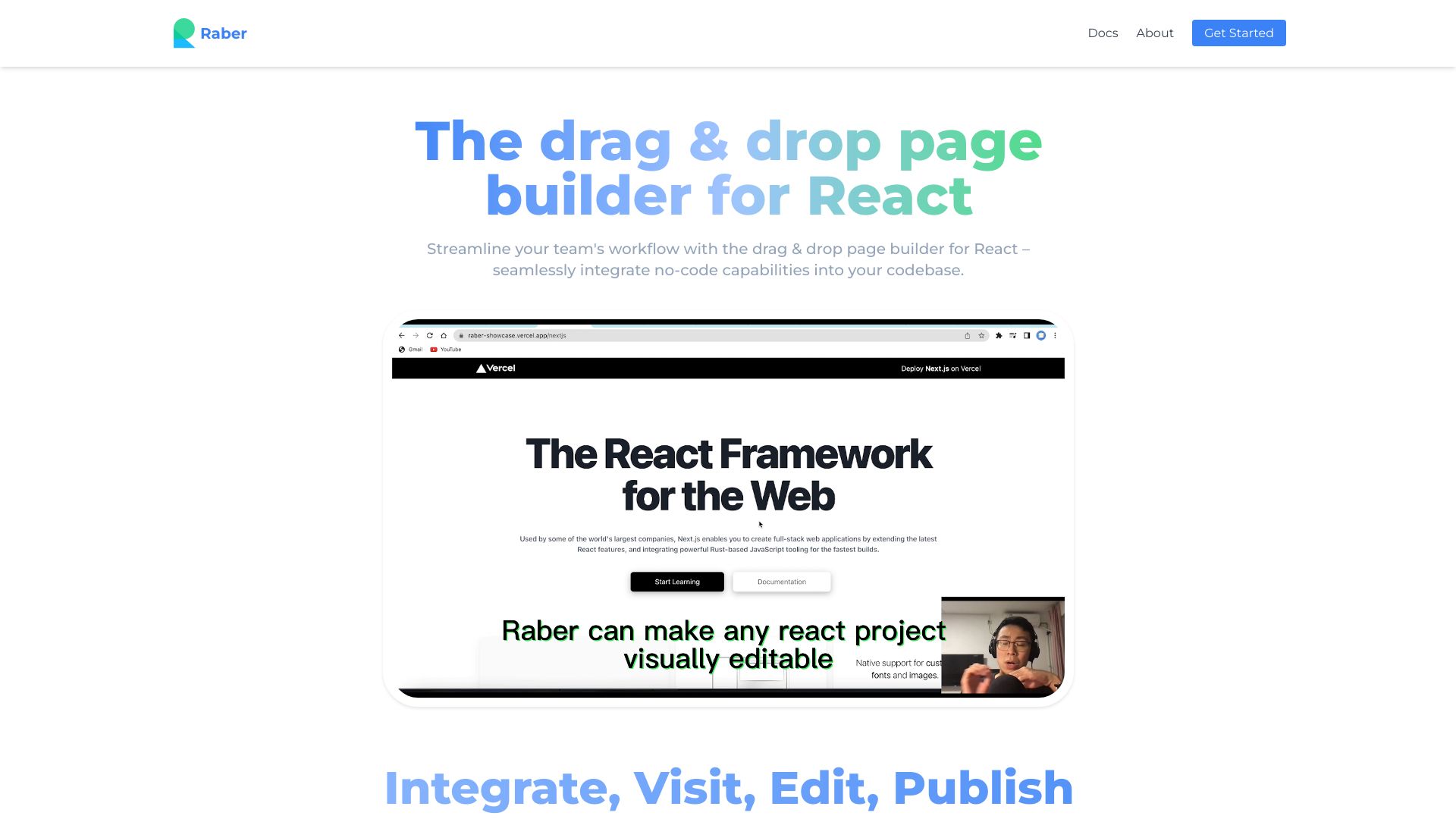
Raber app
Raber is an AI-powered page builder for React websites, enabling users to create professional pages without coding.
Free
5.0
What is Raber app?
Raber is an AI-powered visual, no-code page builder for React websites. It allows users to create stunning and professional-grade pages using their own React components. With Raber, developers can streamline collaboration with content teams and quickly ship updates without rebuilding or redeploying.
About
Raber is an AI-powered page builder for React websites, enabling users to create professional pages without coding.
How to Use Raber app
1. Developers add Raber and register React components for drag-and-drop functionality. 2. Open your page in Raber Editor by copying the URL and pasting it into the address bar. 3. Use Raber's drag-and-drop functionality to visually build custom landing pages and content. 4. Click the publish button to instantly push updates live.
Frequently Asked Questions
What is Raber?
Raber is an AI-powered visual, no-code page builder for React websites.
How do I use Raber?
To use Raber, developers need to add it to their React project and register their components for drag-and-drop functionality. They can then open their page in the Raber Editor and visually build pages with ease.
What are the core features of Raber?
Raber's core features include AI-powered visual page building, drag-and-drop functionality, seamless collaboration between dev and content teams, custom landing page creation, and instant publishing.
What are some use cases for Raber?
Raber can be used for creating custom landing pages, designing diverse content quickly, and streamlining workflow between dev and content teams.
Quick Info
- Pricing
- free
- Platforms
- website
Best For
- Creating custom landing pages
- Designing diverse content quickly
- Streamlining workflow between dev and content teams
Social Links
Tags
#AI-powered#no-code#React#page builder#visual editor#collaboration#custom landing pages#drag-and-drop#streamlined workflow#content creation