Receipt-AI for Startup
Receipt-AI simplifies expense management by using AI and text messages to upload receipts to accounting software.
Free
5.0
What is Receipt-AI for Startup?
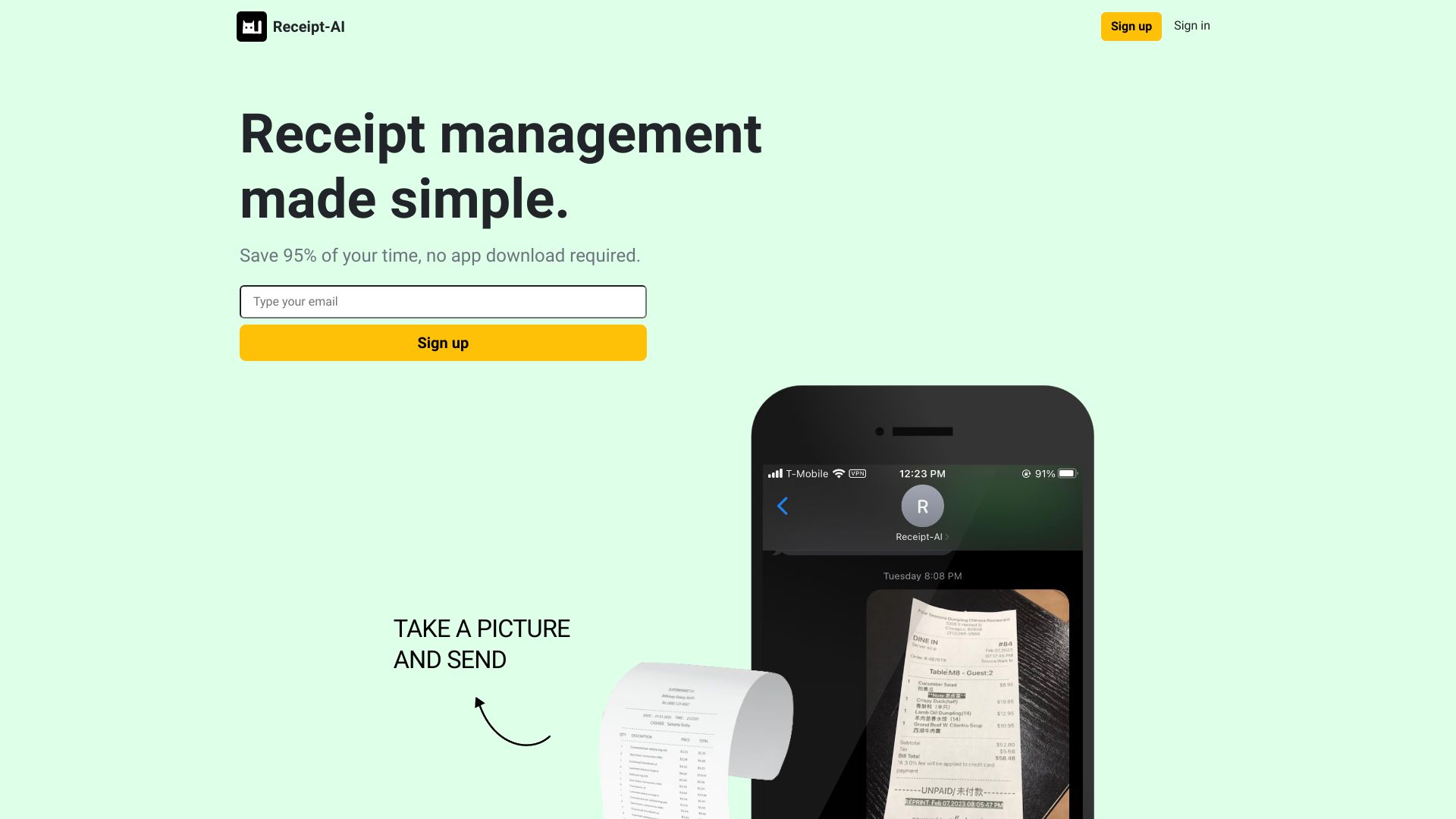
Receipt-AI is a receipt management solution that leverages AI and text messages to save time and make expense management easier. It allows users to upload receipts to accounting software like Xero or QuickBooks from their phone or laptop. With Receipt-AI, users can simply take a picture of their receipts and text them, eliminating the need for manual data entry.
About
Receipt-AI simplifies expense management by using AI and text messages to upload receipts to accounting software.
How to Use Receipt-AI for Startup
To use Receipt-AI, follow these steps: 1. Sign up on the Receipt-AI website. 2. Connect your accounting software (Xero or QuickBooks) to Receipt-AI. 3. Take a picture of a receipt using your phone or laptop. 4. Text the receipt image to the provided Receipt-AI phone number. 5. The AI technology will extract key information from the receipt and upload it to your accounting software automatically.
Frequently Asked Questions
Why do I need to keep receipts?
Purchases, sales, payroll, and other transactions in your business generate supporting documents. These documents support the entries in your books and on your tax return.
Is my data in Receipt-AI encrypted and safe?
Yes, your data in Receipt-AI is encrypted and securely protected. Safeguarding your information is our top priority.
Does Receipt-AI support email upload?
Yes, Receipt-AI supports email upload as receipts sometimes arrive in email format to make the process as easy as possible for you.
Where can I find my uploaded receipts on Xero?
Click on your company name, then click 'Files'. All your uploaded receipts will be there.
Where can I find my uploaded receipts on QuickBooks?
Search for 'Attachments' using the magnifier icon. All your uploaded receipts will be there.
Can I send multiple receipts in one message?
Yes, you can send as many receipt photos as you like in one or more messages. Our system treats each photo as a separate receipt and stores them in your account.
Do I need to include a message with my receipt image?
No, you don't need to type any messages. Our machine learning technology automatically extracts information from the receipt image such as date, merchant name, and total amount. However, you can include a message if you want, and it will be displayed in your account.
Does it support countries outside of the US and Canada?
At the moment, Receipt-AI supports phone numbers from the US and Canada only, while email works worldwide. We are actively working to bring Receipt-AI to more countries soon.
Quick Info
- Company
- Receipt AI - Big Green Company
- Pricing
- free
- Platforms
- website
Best For
- Business owners looking to streamline their receipt management process
- Travelers who want to easily track and expense their receipts while on trips
- Employees in big corporations who need to manage and expense receipts for expense reports
Tags
#receipt management#AI#text messages#expense management#Xero#QuickBooks