Renderfire AI
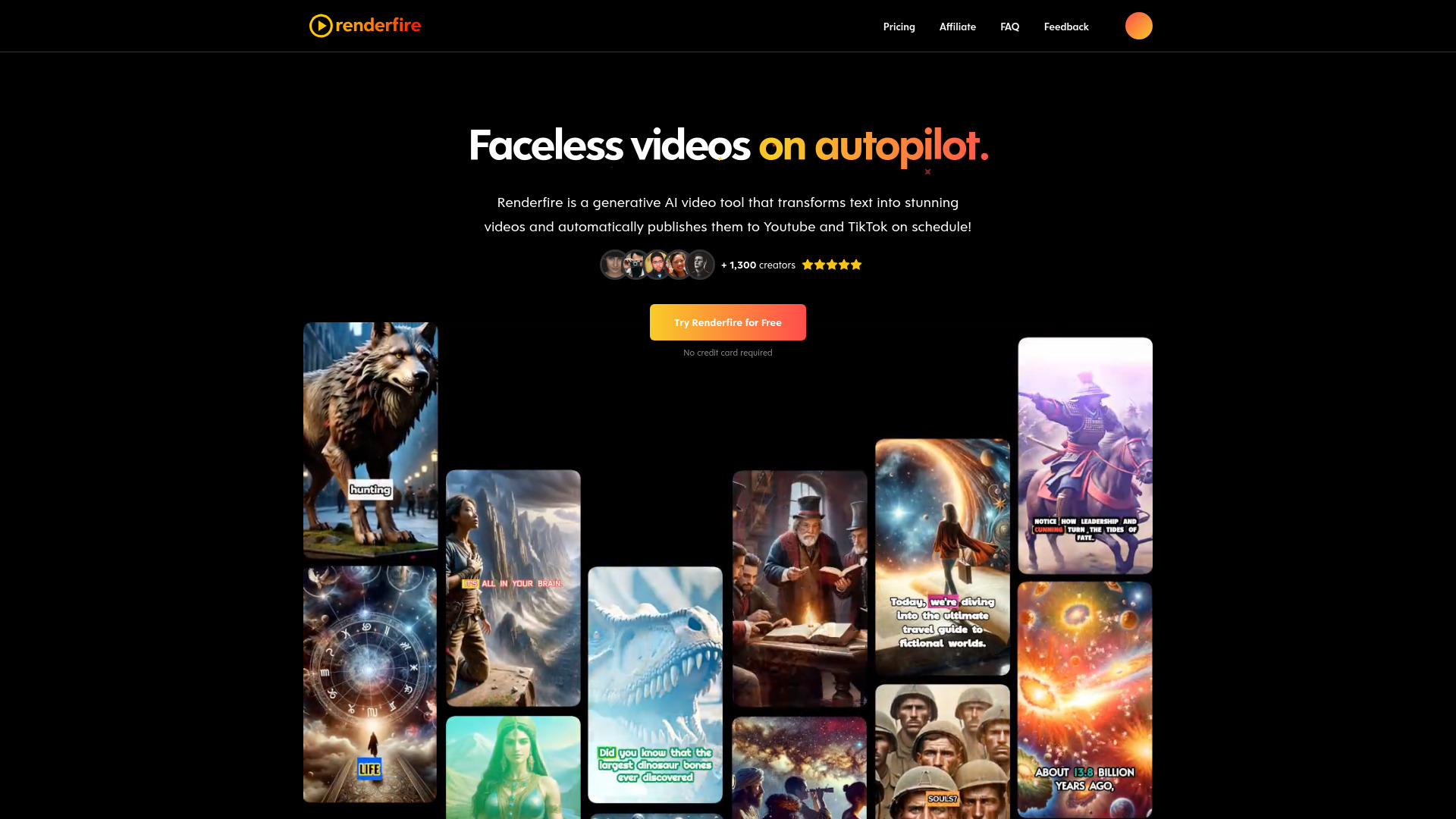
Faceless videos on autopilot
Free
5.0
What is Renderfire AI?
Renderfire is a generative AI video tool that transforms text into stunning videos and automatically publish them to Youtube and TikTok on schedule!
About
Faceless videos on autopilot
How to Use Renderfire AI
Create a series: Link your social media channels and select them as destinations. Schedule posting days, time and visibility. Choose your video series topic from predefined topics like adventure tales, ancient civilizations, art history, or custom to tailor content specifically to your needs. Select the language, a narration voice and preferred duration, and click 'Create Series'. Preview your video with a title, description, tags, script, and much more. You can customize the thumbnail, images, subtitles, music, sound and visual effects, and watermark.
Frequently Asked Questions
What is a series?
A series is a themed collection of videos. For instance, a 'Scary Stories' series might feature a new spooky video released weekly or daily, depending on your subscription plan.
What social media platforms do you support posting to?
Currently, we support posting to TikTok and YouTube, with plans to expand to more platforms. Let us know if there’s a particular platform you'd like us to add.
Are the videos unique?
Yes, each video is uniquely created by generative AI for every series, ensuring no two videos are the same.
Can I edit the videos?
Yes, you can edit your video’s voiceover, title, background music, and visual and sound effects before it is scheduled to be posted.
How do custom prompts work?
When you enter a custom prompt such as 'Explain the principles of renewable energy', each video in your series will tackle the topic from unique angles, ensuring fresh content without duplicating previous videos.
How many videos can I create per day?
Details on video generation limits per series are available in our pricing section. Renderfire focuses on scheduled, automatic video production through series setups, not individual video creations.
Can I replace an existing series with a new one?
Yes, you can delete any existing series and start a new one at any time. Note: The free plan allows only one series per account.
How do I create a video?
Renderfire is optimized for generating video series on a regular schedule, rather than single video creations. Start by creating a series. Once created, videos will be automatically queued and generated sequentially after each previous video is posted.
Can I post the same video to multiple platforms?
Yes, you can link multiple accounts within your Series to automatically upload your videos to each platform. However, you are limited to connecting one account per social media platform for each series, such as one TikTok account and one YouTube account.
Can I adjust the video length?
You can adjust the video length by modifying the AI-generated script, up to a maximum of 1,200 characters, or by selecting a preferred length for all videos in the series. Actual video lengths may vary slightly. For YouTube Shorts, we ensure videos remain under 60 seconds to comply with platform requirements
Do I own the videos?
Yes, you own the videos completely. Feel free to download, use on other platforms, or sell them as you see fit.
Does the platform support multiple languages?
Yes, our platform supports multiple languages including English, Arabic, Bulgarian, Chinese, Croatian, Czech, Danish, Dutch, Finnish, French, German, Greek, Hindi, Indonesian, Italian, Japanese, Korean, Malay, Polish, Portuguese, Romanian, Russian, Slovak, Spanish, Swedish, Tamil, Turkish, and Ukrainian.
Are there any types of content that are not allowed?
While we filter NSFW content, we cannot fully guarantee the appropriateness of all generated content and are not liable for it. Please review content carefully before use.
Can this make long form content?
Not at the moment. We focus on short form content, up to 90 seconds in length. We are working on a long form content feature, but it is not currently available.
Is there a free trial?
Yes, register to create your first video series for free. No credit card required.
Can I cancel at anytime?
Absolutely. You can easily cancel your subscription at any time with just a click from the dashboard's billing page.
How does the membership work?
Our paid memberships offer additional benefits such as no watermarks, increased posting frequency, better quality, and more customization credits, enhancing your experience beyond the free plan.
Can I get a refund?
Unfortunately, we are unable to offer refunds due to the high costs associated with AI video creation and photo generation, as well as our upstream providers' policies against refunding GPU processing time. This policy is necessary to prevent financial losses for our service. By signing up, you agree to waive your right to a refund, but you can cancel your subscription at any time, which will take effect at the end of your billing period.
Can I upgrade or downgrade my subscription?
Yes, you can change your subscription plan at any time. Simply visit the billing tab and choose your desired upgrade or downgrade option.