SnapEdit - All-in-one AI Photo Editor
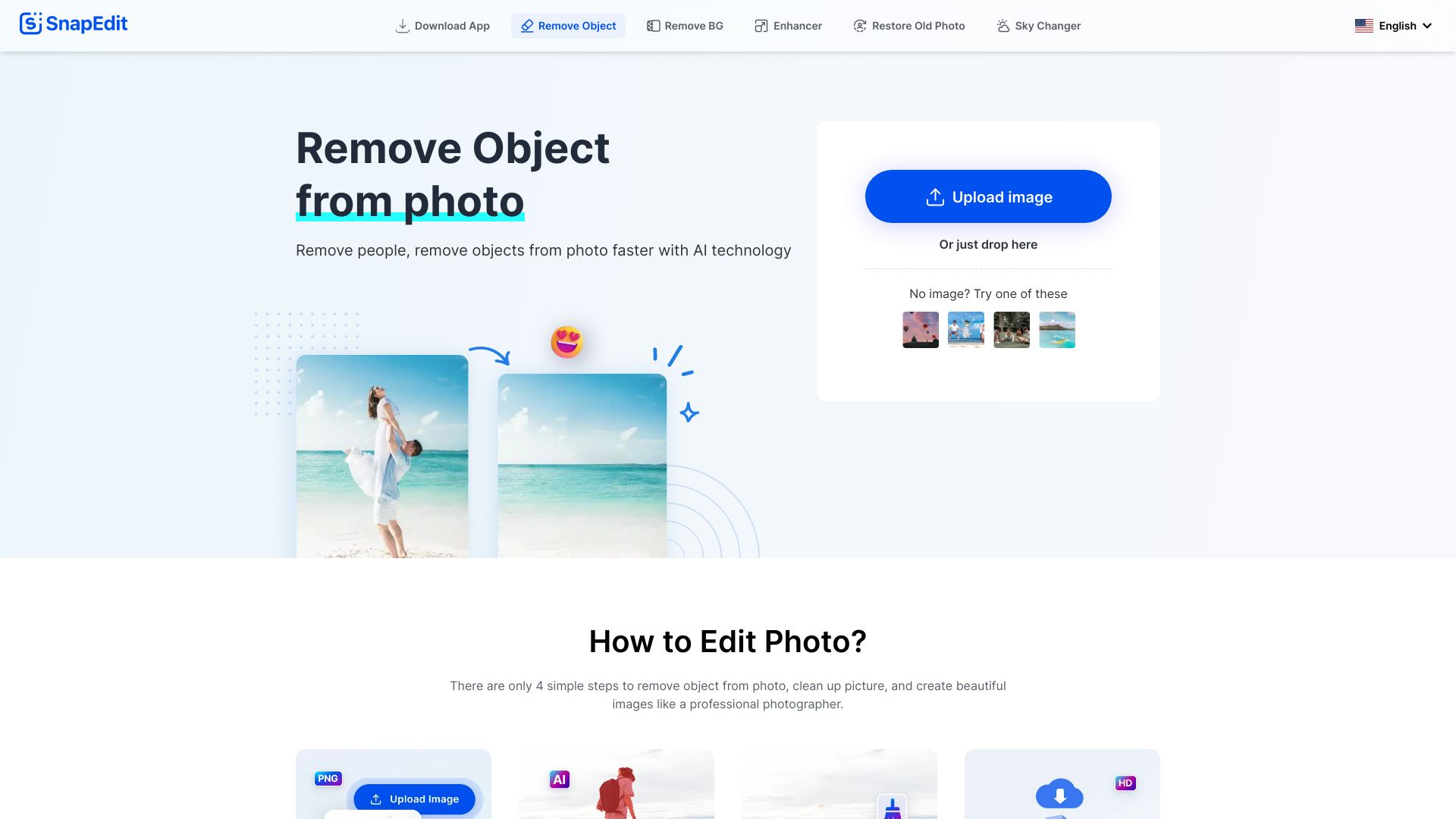
SnapEdit.App is a free online photo editor that utilizes AI to remove objects/people and enhance photos.
Free
5.0
What is SnapEdit - All-in-one AI Photo Editor?
SnapEdit.App is a visual AI platform that utilizes AI technology to automatically remove objects/people from images, edit and enhance photos, and provide various photo editing features. It is a free online photo editor that allows users to easily edit and improve their photos without the need for complex software like Photoshop.
About
SnapEdit.App is a free online photo editor that utilizes AI to remove objects/people and enhance photos.
How to Use SnapEdit - All-in-one AI Photo Editor
To use SnapEdit.App, simply upload your photo or drag and drop it into the 'Upload Photo' frame. Then you can select the desired editing feature, such as removing objects from the photo or erasing watermarks/text. The AI technology will automatically detect objects in the image, and you can adjust and preview the edits before downloading or sharing the final image.
Frequently Asked Questions
What is SnapEdit.App Photo Editor?
SnapEdit.App is a visual AI platform that leverages AI technology to automatically remove objects/people from images, retouch, enhance, colorize, correct, cartoonize, and animate photos without using Photoshop or other photo editing tools.
How to use SnapEdit to remove people from photos or remove objects in photos online?
To use SnapEdit, simply upload your image, choose the desired function based on the automated AI detection, edit the image to your liking using the object remover or other editing features, and then download the edited image.
How can I remove watermarks or text from an image using SnapEdit?
To remove watermarks or text from an image, you can use the erase function in SnapEdit. Simply highlight the watermark, text, or logo you want to delete, and the results will be available in a snap.
Is SnapEdit free to use?
Yes, SnapEdit is currently completely free to use. It allows you to use photos of any resolution/size and provides HD downloads.
Is SnapEdit safe to use for removing unwanted objects from a photo?
Yes, SnapEdit is safe to use as it acts as an intermediary and does not store any copies of your images. You can use SnapEdit anonymously and quickly.
Quick Info
- Company
- SnapTeam
- Pricing
- free
- Platforms
- website
Best For
- Remove unwanted tourists from travel photos
- Remove text and watermarks from images
- Restore old photos by fixing scratches and tears
- Enhance photos by removing acne and wrinkles
- Change the sky background to create unique and stunning images
Tags
#photo editing#AI technology#object removal#watermark remover#text eraser#restore old photos#background changer#image enhancement#acne removal#wrinkle removal