The New Riverside
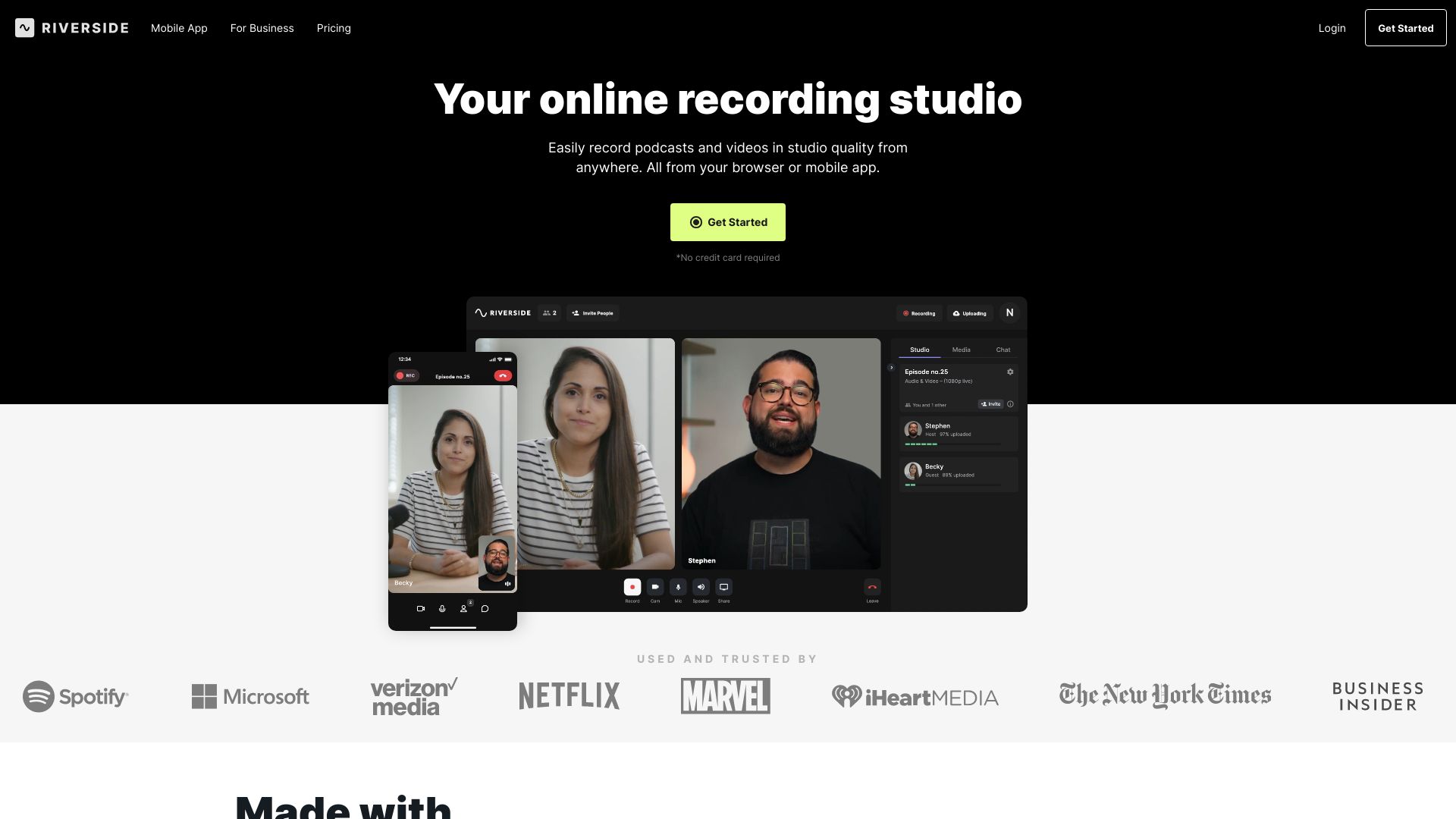
Riverside.fm is a virtual studio enabling podcasters to create professional content remotely.
Free
5.0
What is The New Riverside?
Riverside.fm is a virtual studio that enables podcasters and media companies to record high-quality podcasts and videos remotely. It offers studio-quality audio and 4k video recording capabilities, allowing users to create professional content from anywhere.
About
Riverside.fm is a virtual studio enabling podcasters to create professional content remotely.
How to Use The New Riverside
To use Riverside.fm, follow these steps: 1. Sign up for an account on the Riverside.fm website. 2. Choose the type of content you want to create, such as podcasts, video interviews, webinars, etc. 3. Set up your recording environment using Riverside.fm's mobile app or web-based studio. 4. Invite guests to join your recording session remotely. 5. Record your content in studio quality, with separate audio and video tracks for each participant. 6. Use Riverside.fm's AI-powered transcription to transcribe your recordings in seconds. 7. Edit, clip, and customize your content using the text-based editor. 8. Export and share your recordings and clips across various platforms and social media channels.
Frequently Asked Questions
Can I record podcasts and videos remotely?
Yes, Riverside.fm allows you to record podcasts and videos remotely, enabling you to collaborate with guests or team members from anywhere in studio quality.
Can I edit and customize my recordings?
Yes, Riverside.fm provides a text-based editor that allows you to easily edit and customize your recordings. You can search the transcript, cut segments, and create social media clips.
Does Riverside.fm offer AI-powered transcription?
Yes, Riverside.fm uses AI technology to transcribe your recordings accurately and quickly. It supports over 100 languages for transcription.
Can I export and share my recordings?
Yes, once you have finished editing and customizing your recordings, you can export and share them across various platforms and social media channels.
Quick Info
- Company
- RiversideFM, Inc.
- Pricing
- free
- Platforms
- website
Best For
- Podcasts
- Video interviews
- Social media clips
- Webinars
- Video marketing
- Panel discussions
- Talking head presentations
Tags
#podcast recording#video recording#studio-quality audio#AI-powered transcription#post-production editing#social media clips#webinars#video marketing#panel discussions#talking head presentations