Tomat
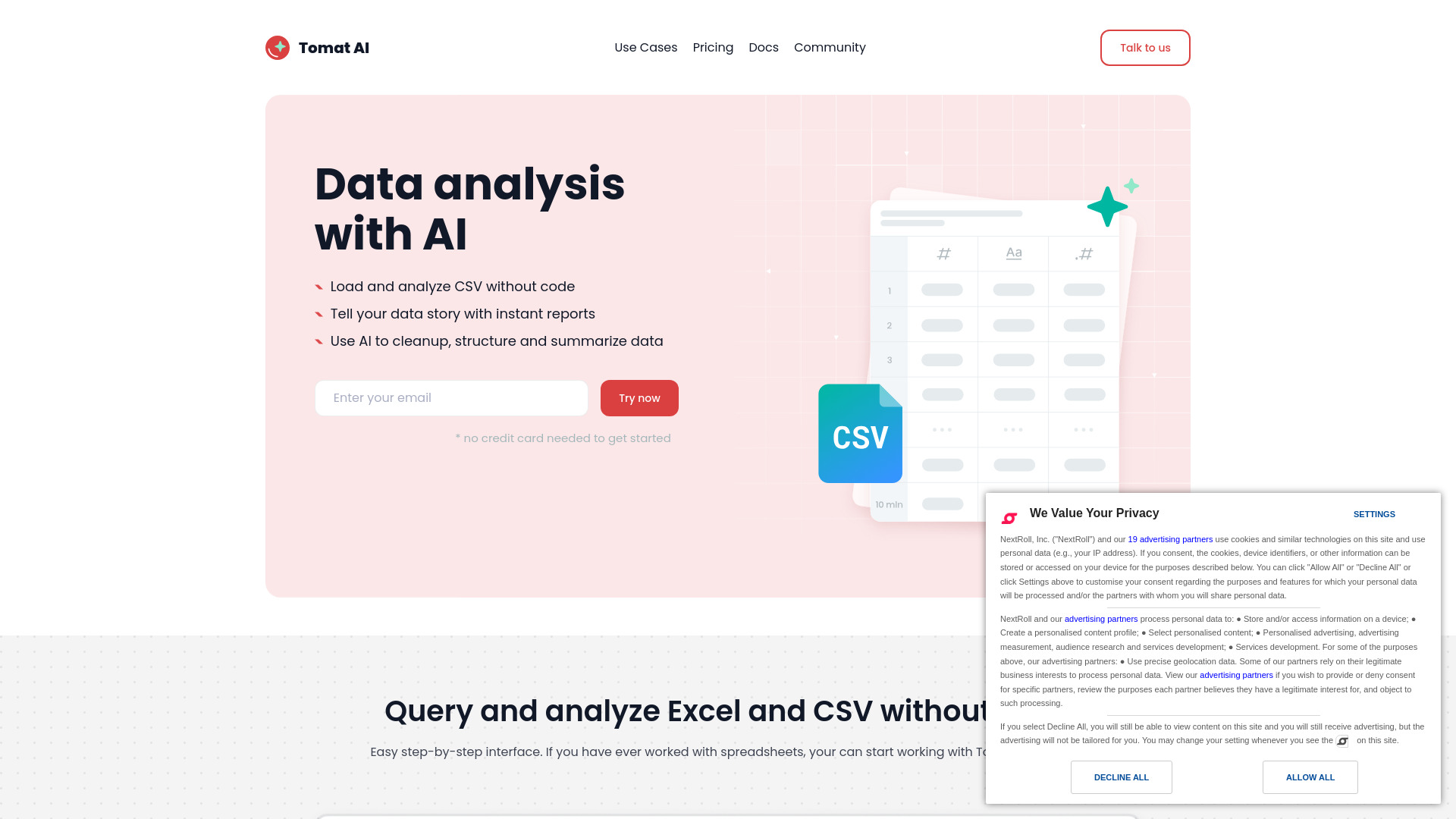
A no-code tool for data querying and analytics. Leverage generative AI to work with your unstructured data.
Free
5.0
What is Tomat?
Tomat is a data preparation and analytics no-code tool that works perfectly with datasets of any size. Load CSV and Excel files or connect to PostgreSQL or Snowflake databases with one click. The intuitive step-by-step interface lets you clean up, merge, and transform your data. Use AI for complex analysis, such as sentiment analysis, data extraction, or summarization.
About
A no-code tool for data querying and analytics. Leverage generative AI to work with your unstructured data.
How to Use Tomat
Open files of any size and add visual transformation steps to filter, group, or merge data — access over 20 visual transforms and 150+ functions. Add new columns with AI to extract, summarize, or clean up data. Automate your workflow — every step you create is saved and can be reapplied to new data with a single click. Export cleaned data to Excel or CSV, or create dynamic reports with powerful charts and custom text.
Frequently Asked Questions
What are the use cases of using AI in Tomat?
AI is really helpful with working in unstructured texts - you can ask to generate tags or descriptions for your products, categorize or make sentiment analyses for user reviews, summarize articles, generate personalized emails or ads, and many others. Visit use cases page on our website for more ideas.
What skills are needed to start working with Tomat?
If you're familiar with Excel, that's all you need—no special technical knowledge required. To leverage AI, simply write a prompt in natural language. That’s it.
Is Tomat safe and secure to use?
Yes, Tomat is designed to keep your data safe and private. The software works entirely on your local machine, and your files never leave your laptop. You maintain full control and ownership of your sensitive data.
Security and AI
We use official OpenAI API and send them only data that you have ask to improve or enrich. We never send your private data in the cloud without your permission.
How to use AI?
Download and install Tomat.ai. Load any CSV or Excel file. Add the "AI Column" step and ask the AI to enrich, translate, analyze, or clean up your data. You can ask for literally anything. If you want to apply complex transformations to the entire dataset, add the "AI Table" step and describe the transformation in natural language.
How to buy AI credits?
To purchase additional credits after the trial period, select the Solo plan and customize it to add more AI credits. Go to the Account page in the Tomat app, select the Solo plan, and choose the number of AI credits you need (starting from 100,000 credits for just $5). The more credits you purchase, the lower the cost per credit.
What platforms does you support?
Tomat.ai is compatible with Windows and macOS.
Quick Info
- Pricing
- free
- Platforms
- website
Best For
- Data cleanup and transform
- Data analysis
- Data automation
- Data reporting
- Sentiment analysis
- Text summarization
- Data standartization
- Data formatting
- Personalizing emails
- Generating product descriptions
- Generating content in bulk
- Marketing reporting
Tags
#Data Automation#Data Transform#Content Generation#Personalized Marketing#Marketing Reporting#Data Analysis#Report Building