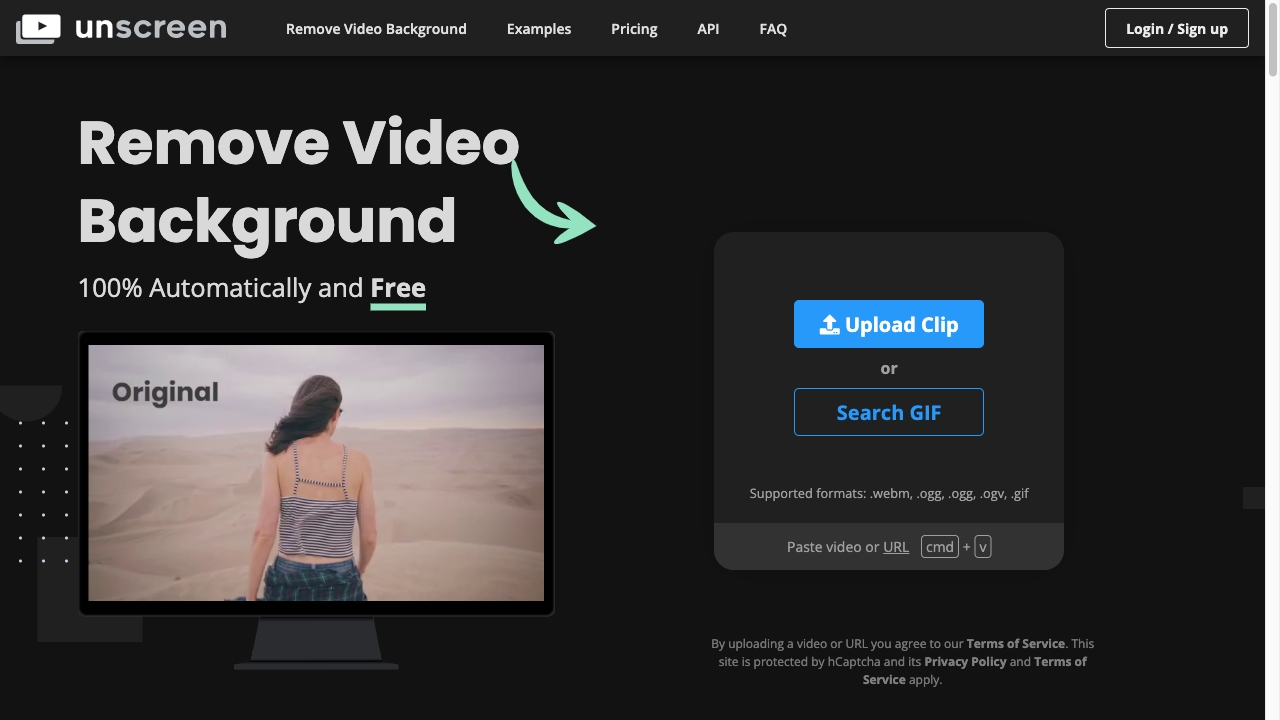
Unscreen.com
Unscreen is an easy-to-use tool that removes video backgrounds without chroma keying.
Free
5.0
What is Unscreen.com?
Unscreen is an online tool that allows users to easily remove the background from any video. It uses automatic analysis to generate high-quality results without the need for complex techniques like chroma keying or greenscreens.
About
Unscreen is an easy-to-use tool that removes video backgrounds without chroma keying.
How to Use Unscreen.com
To use Unscreen, simply upload your video or provide a URL. The tool will analyze the video automatically and remove the background. Once the background is removed, you can download the result and use it in your desired video editing software.
Frequently Asked Questions
What file formats are supported for video upload?
Unscreen supports popular video file formats such as MP4, AVI, MOV, and more.
Can I remove the background from a live video stream?
No, Unscreen currently only supports uploaded videos or URLs.
Is there a limit on the video file size I can upload?
Yes, the maximum file size for video upload is 100MB.
Can I use the removed background in any video editing software?
Yes, the removed background can be downloaded and used in any video editing software that supports the file format.
Quick Info
- Company
- Canva Austria GmbH
- Pricing
- free
- Platforms
- website
Best For
- Creating background-free videos for presentations
- Removing unwanted backgrounds from recorded footage
- Making videos more visually appealing by eliminating distractions
Tags
#video background removal#automatic analysis#high-quality results#video editing#presentation#visual appeal#distraction-free#online tool